

Org chart
How the org chart is drawn from each person's manager, how to find a person or open a team, how HR changes a manager, and how to export the chart as a PDF.
The org chart comes from each person’s manager field. When a record changes, the chart changes with it. Leavers drop off the chart after their last day.
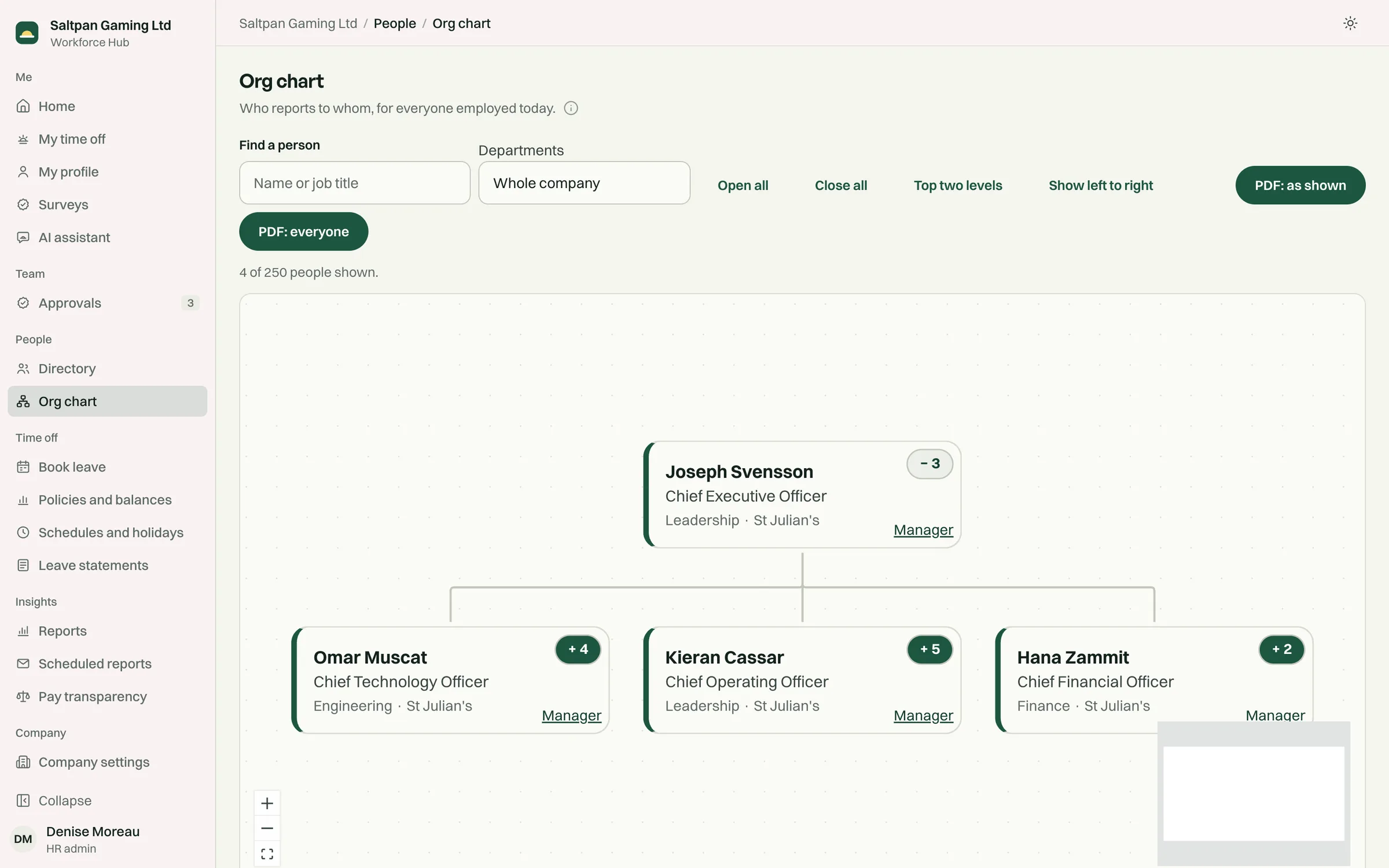
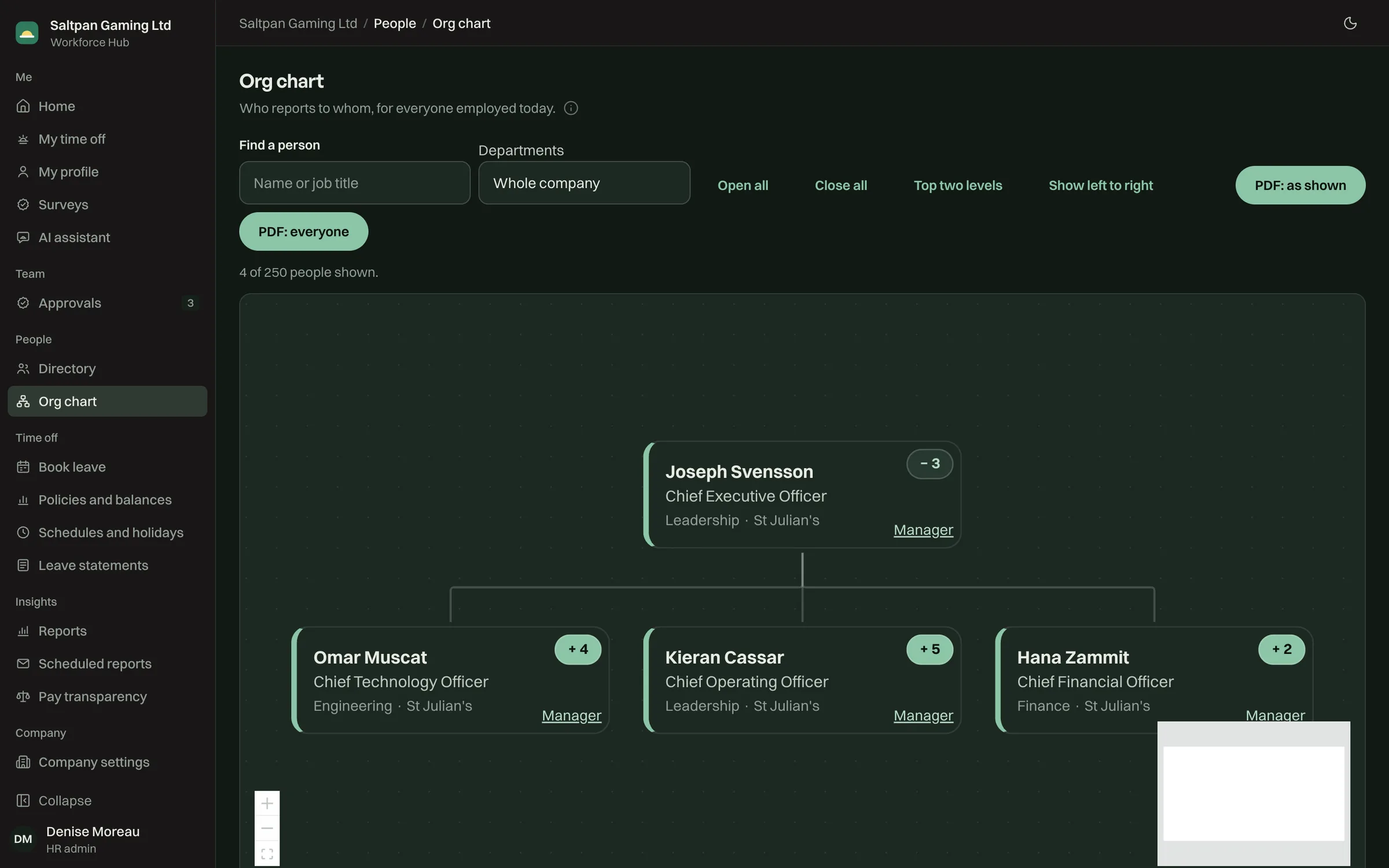
Finding your way
Section titled “Finding your way”- Search for a person by name or job title.
- Pick a department, or the whole company.
- Open or close a manager’s team with the button on their card, or use Open all, Close all and Top two levels.
- Show left to right lays a wide company out sideways.
Each card shows the person’s job title, department and location, and the number of people below them.
Changing a manager
Section titled “Changing a manager”HR can change anyone’s line manager with the Manager button on their card. Like every change, it’s written to the audit log.
PDF: as shown exports the chart in its current state. PDF: everyone exports the whole company. The PDF uses the same layout as the screen.