

Time off
How people book leave, how managers approve or deny it, how pending hours are held, how balances are worked out, and how to download a leave statement in Excel.
Leave is counted in hours against each person’s work schedule. Weekends and public holidays in their calendar cost nothing. How balances grow and expire is set by leave policies.
Booking leave
Section titled “Booking leave”- Open Book leave.
- Pick the leave type and the dates.
- Check the working hours the booking uses, then send it.
HR can also book leave on someone’s behalf, for example sick leave reported by phone. A booking HR makes records a reason when it goes past the person’s balance.
Approvals
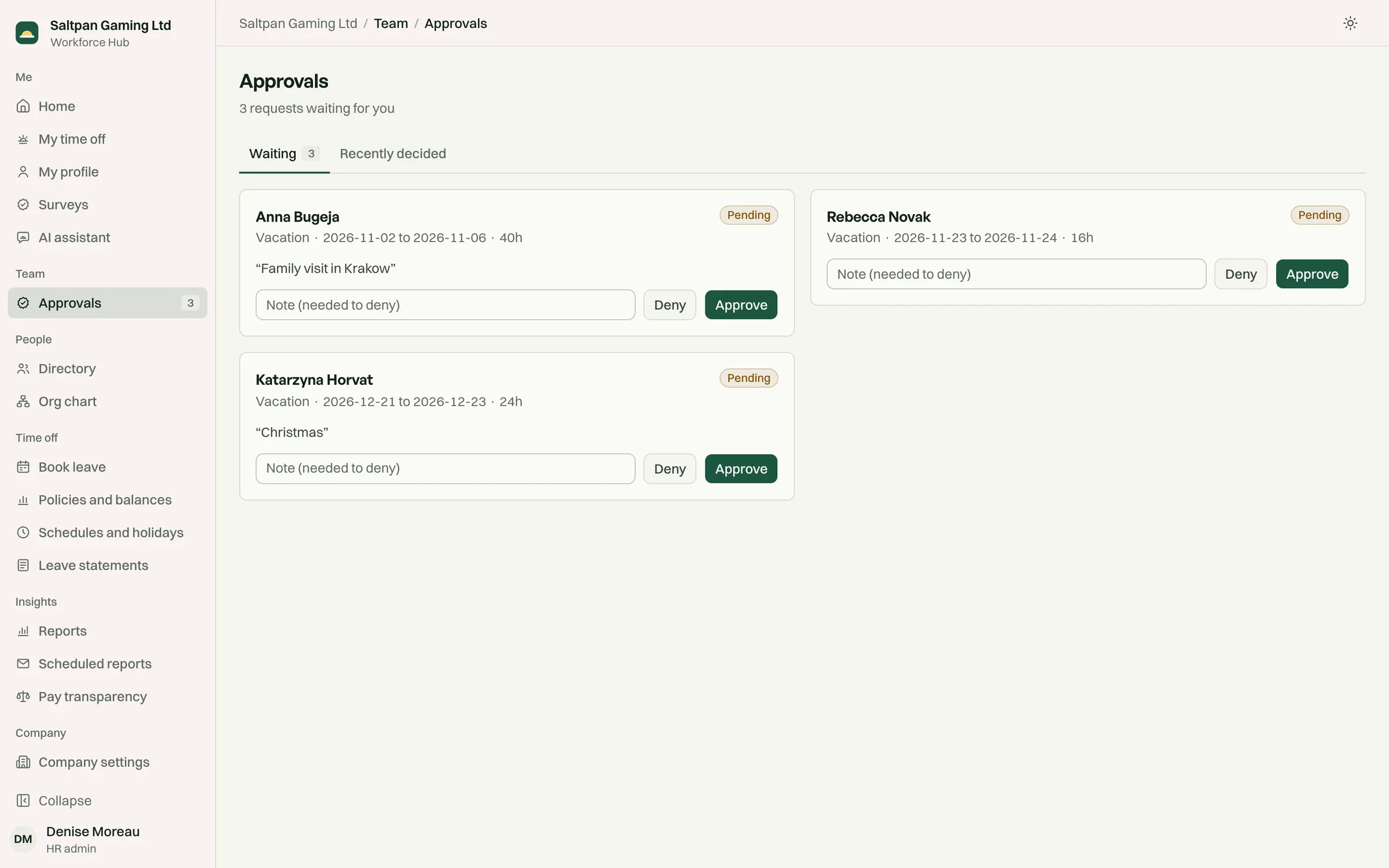
Section titled “Approvals”A request goes to the person’s line manager. When the person has no manager, it goes to HR.
- The hours of a pending request are held, so the same balance can’t be booked twice.
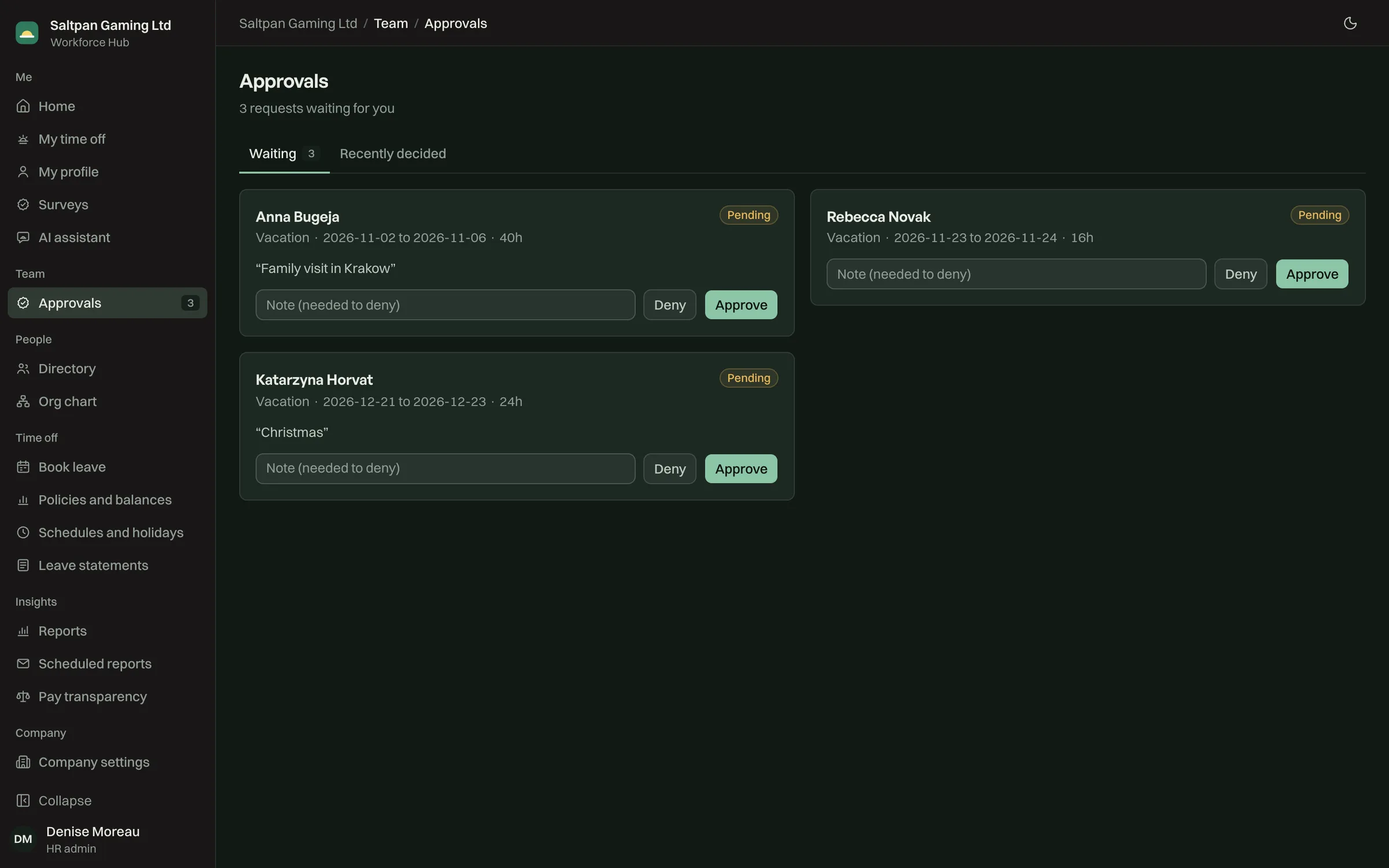
- The manager sees the dates, the hours, the note and the balance after the request.
- Approving checks the balance again. Denying needs a note, which the employee sees.
- The employee gets an email when the decision is made.
Managers decide from Approvals, on a phone or a laptop. A manager whose assistant is connected can also decide from the chat, and confirms each decision before it’s saved. See assistant access.
Cancelling
Section titled “Cancelling”An employee can cancel a pending request, or an approved request that hasn’t started. The held or used hours go back to the balance.
Balances
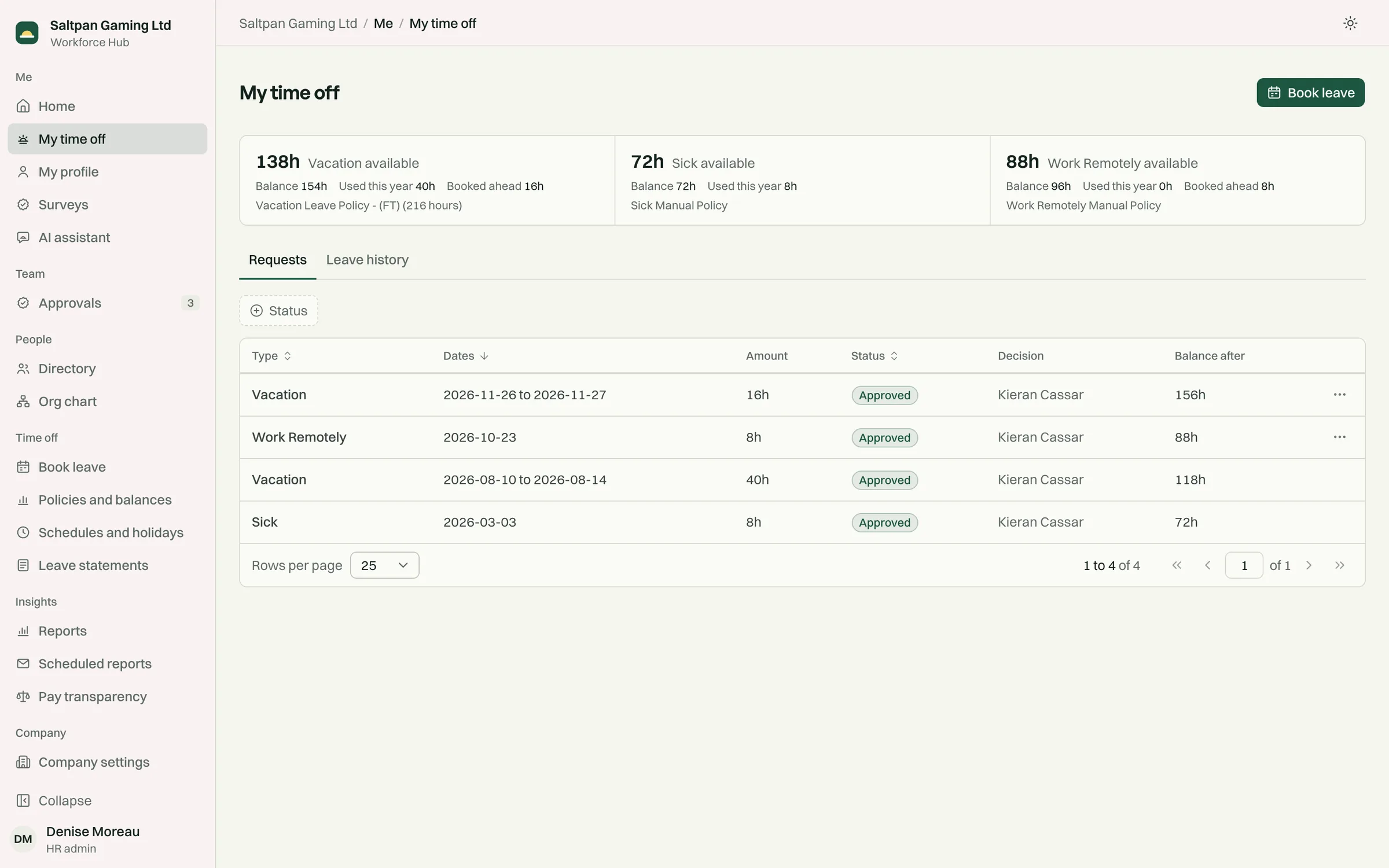
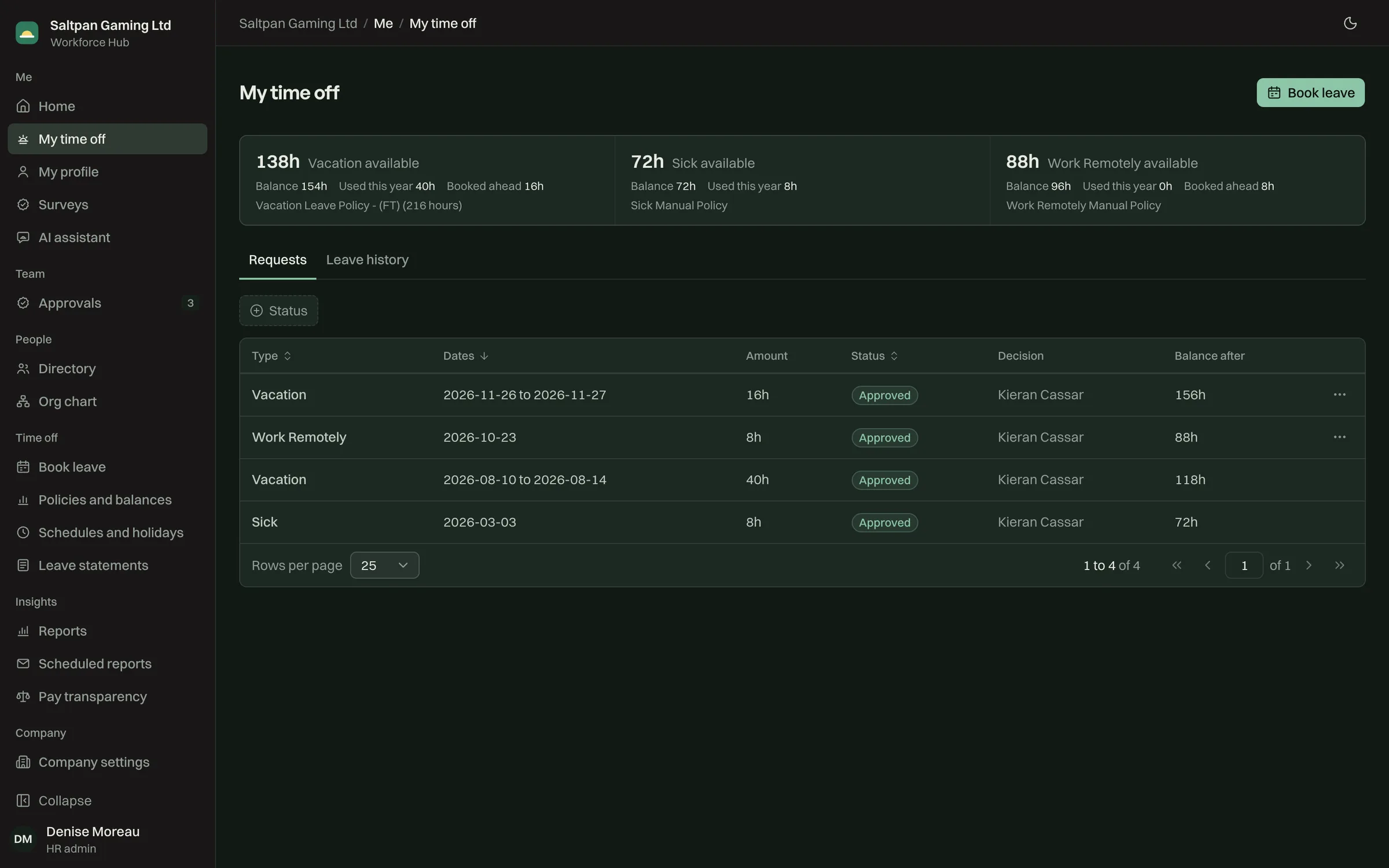
Section titled “Balances”My time off shows each balance in hours, with the hours used this year, and every request with its status and the balance after it. Day-based leave types show days too.
Leave statements
Section titled “Leave statements”HR downloads a leave statement in Excel for one person or for everyone, for any date range. It shows the balances on the day it’s made, every leave request, and the hours for each day.