

Reports and audit log
The report builder and its presets, the two reports emailed on a schedule, the full Excel export with pay left out by default, and the append-only audit log.
The report builder
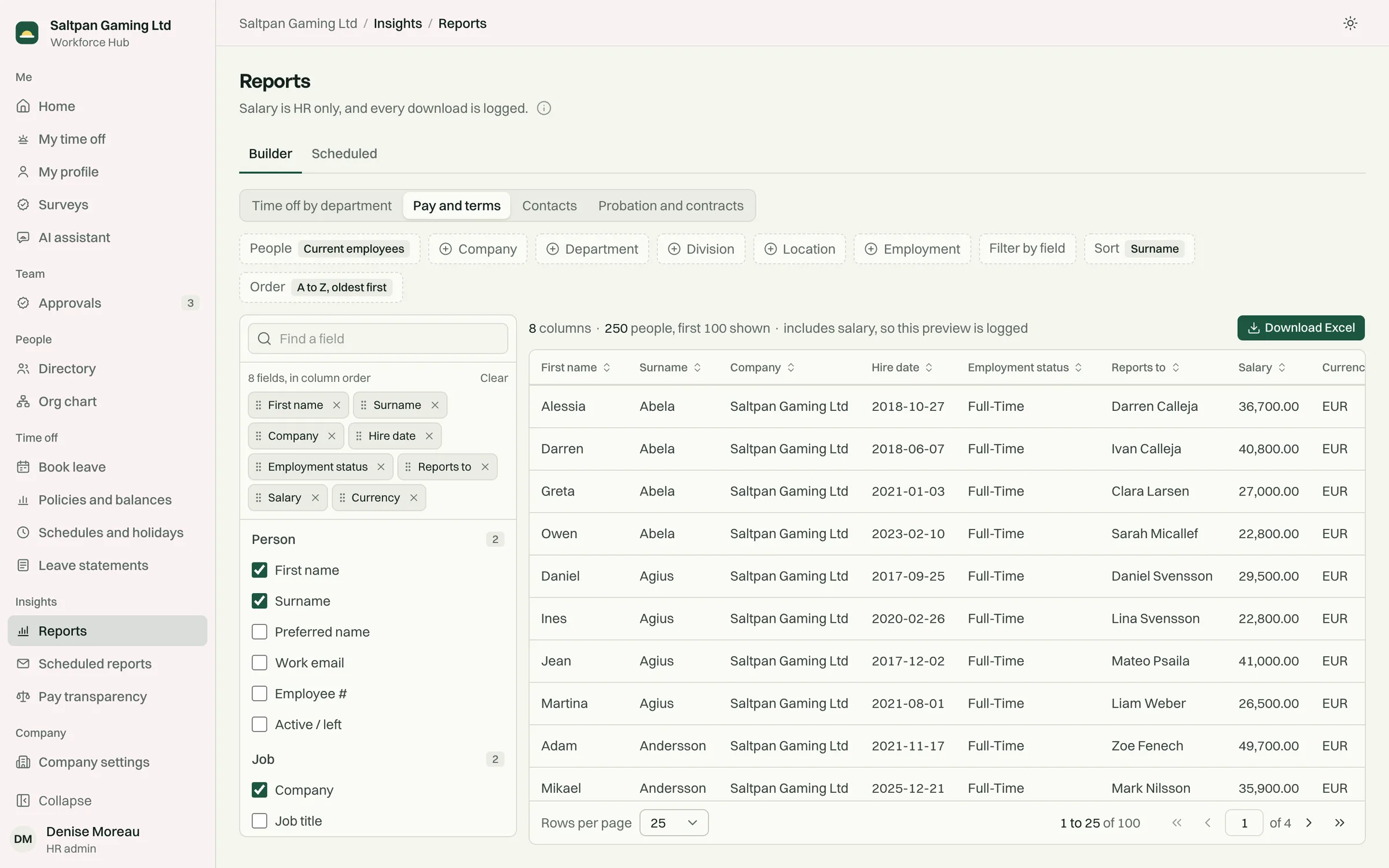
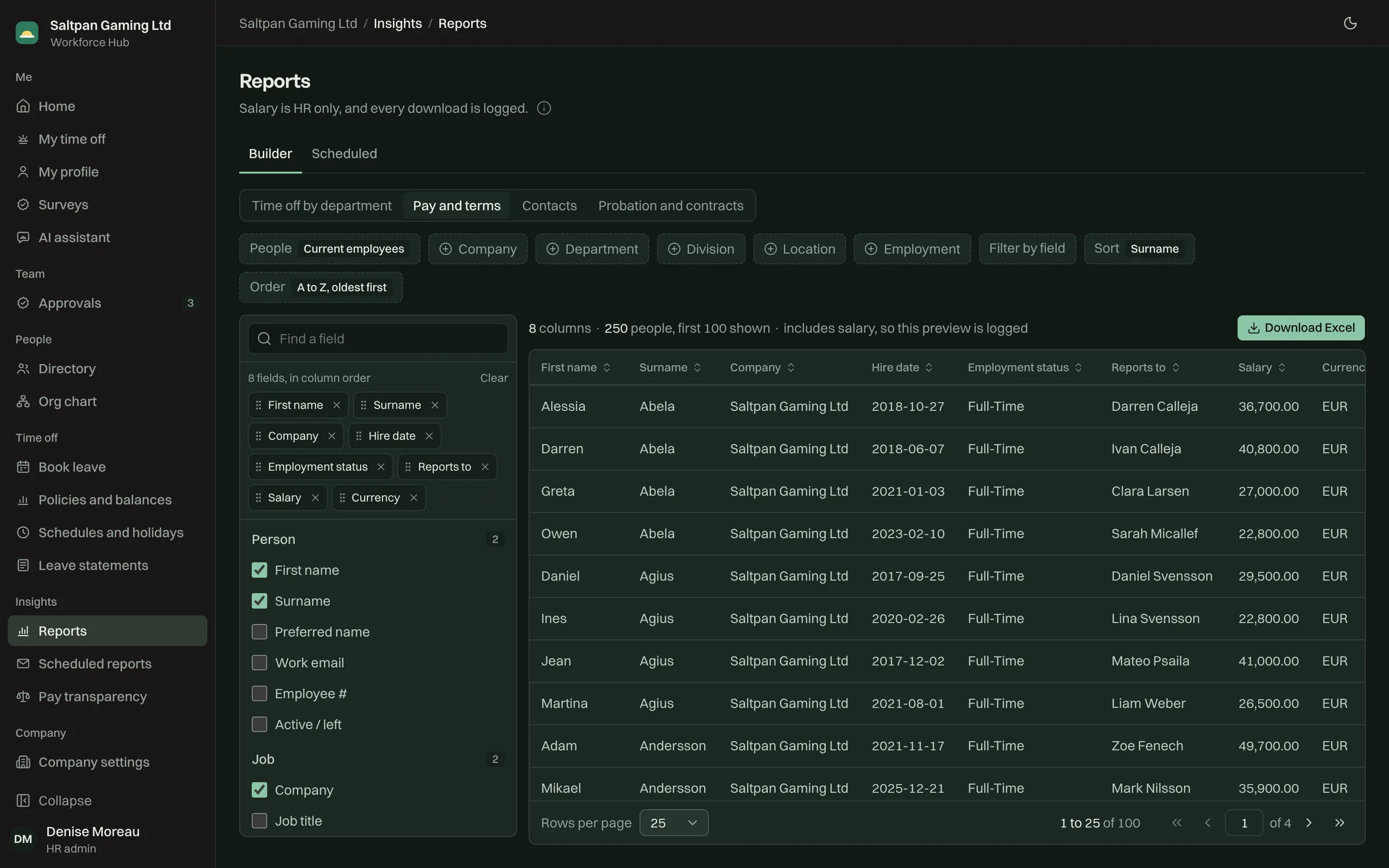
Section titled “The report builder”Reports starts from a preset or from your own columns.
- Presets: remaining time off by department; company, line manager and salary; a contact list; probation and contract dates.
- Columns are grouped by person, job, employment, time off and pay. Pay columns appear for HR only.
- Time-off columns cover the date range you choose, by leave type.
The preview shows exactly what the Excel download will contain.
Scheduled reports
Section titled “Scheduled reports”Two reports are emailed on a schedule to the recipients set in company settings:
- the monthly leave report
- the sick leave pattern report
HR can also send either one now.
The full export
Section titled “The full export”Export data downloads one Excel workbook with everything the system holds about your people. Pay and sensitive fields are left out unless HR chooses to include them, and every export is written to the audit log with the fields it included.
Audit log
Section titled “Audit log”Every change goes to an append-only log with who made it, when, and the values before and after. Reads of pay, ID numbers and health fields are logged too, and sensitive values are redacted in the log itself. Entries can’t be edited or deleted.
The log also records exports, changes to who can sign in, the assistant access switch, and every assistant tool call.